
Veto Sans Dokumentation
Inhalt der Präsentation von den Bilder, die im Vortrag verwendet werden.
| Title | Tags | Description | Gallery Tags | |
|---|---|---|---|---|
| 01-1000 Lithografie farbig | litho grün-blau seventies gerahmt bonnemint | Hier steht ein Beschrieb des Bildes | litho orange-rot |
Details |
Detail Image DescriptionHier steht ein Beschrieb des BildesTagslitho grün-blau seventies gerahmt bonnemintFilenameVeto_Sans_01.pngExtensionpngSize52.07 KBGallery Tagslithoorange-rot Serial Number |
||||
| 101_0108.JPG | Details | |||
Detail Image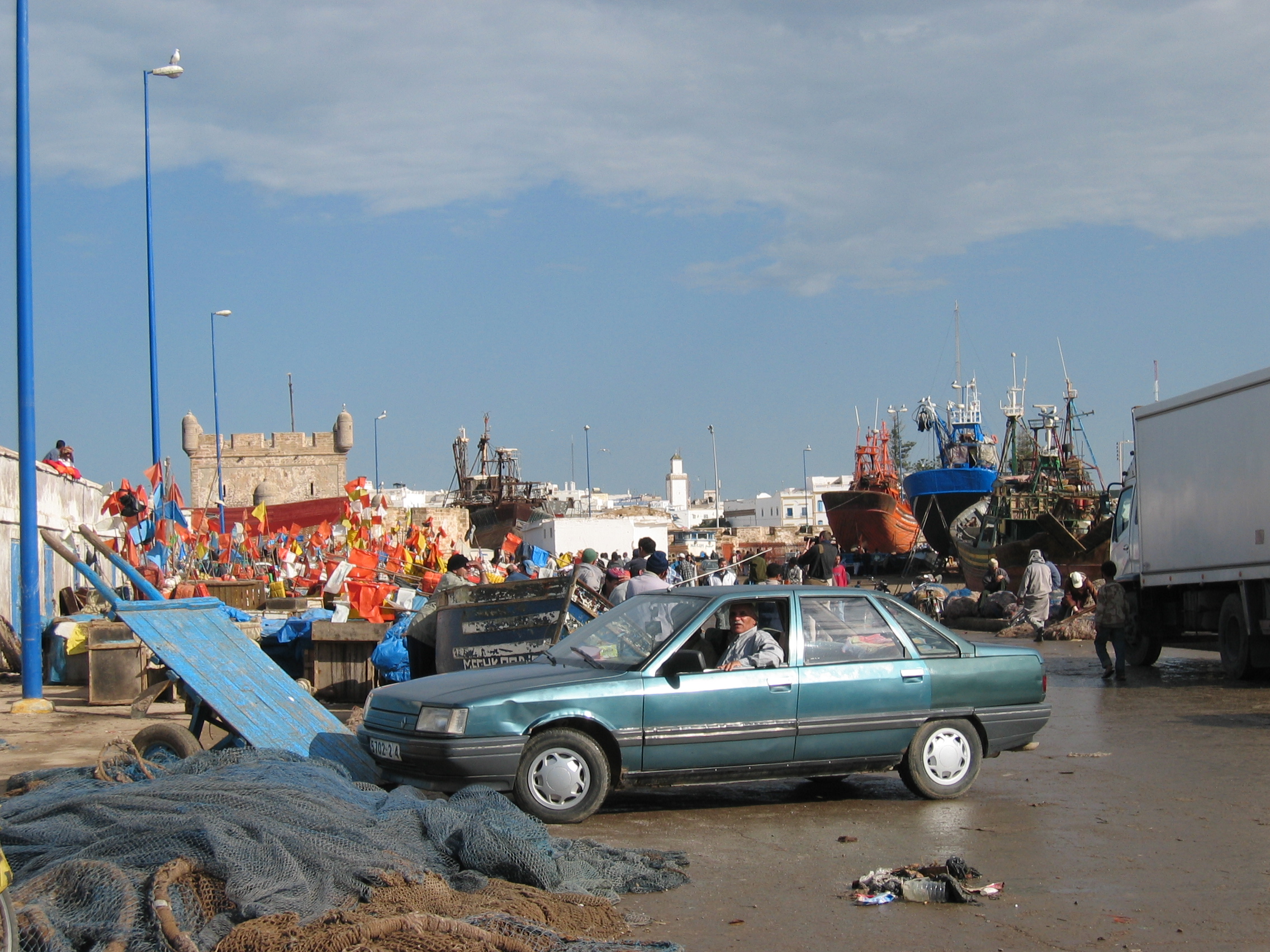 DescriptionTagsFilename101_0108.JPGExtensionJPGSize1,701.57 KBGallery TagsSerial Number20115 |
||||
| casablanca_restaurant_beirouth.png | liban neon | Details | ||
Detail Image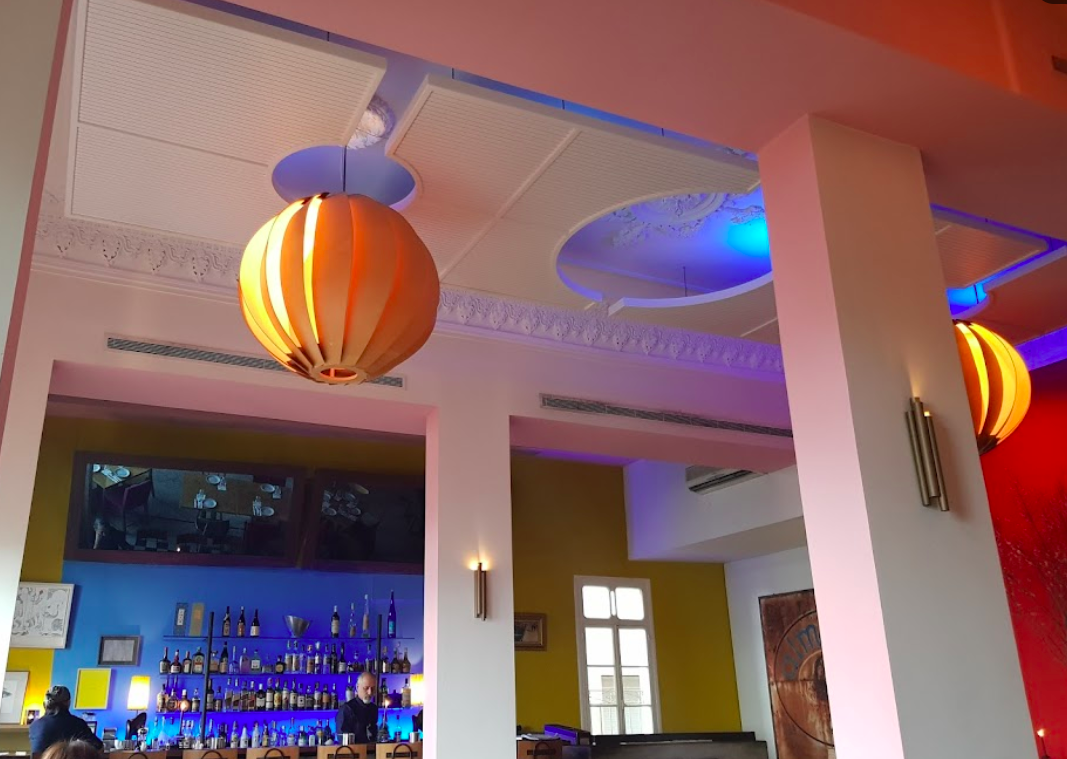 DescriptionTagsliban neonFilenamecasablanca_restaurant_beirouth.pngExtensionpngSize1,021.65 KBGallery TagsSerial Number5699 |
||||
| Veto_Sans_02.png | grün-blau | das dritte im Bunde | litho |
Details |
Detail Image Descriptiondas dritte im BundeTagsgrün-blauFilenameVeto_Sans_02.pngExtensionpngSize15.97 KBGallery TagslithoSerial Number |
||||
| Veto_Sans_03.png | Typografie Schrift Dunkelblau Litho | Das dritte bild vom Vortrag | litho |
Details |
Detail Image DescriptionDas dritte bild vom VortragTagsTypografie Schrift Dunkelblau LithoFilenameVeto_Sans_03.pngExtensionpngSize22.11 KBGallery TagslithoSerial Number5623 |
||||
| Veto_Sans_04.png | Details | |||
Detail Image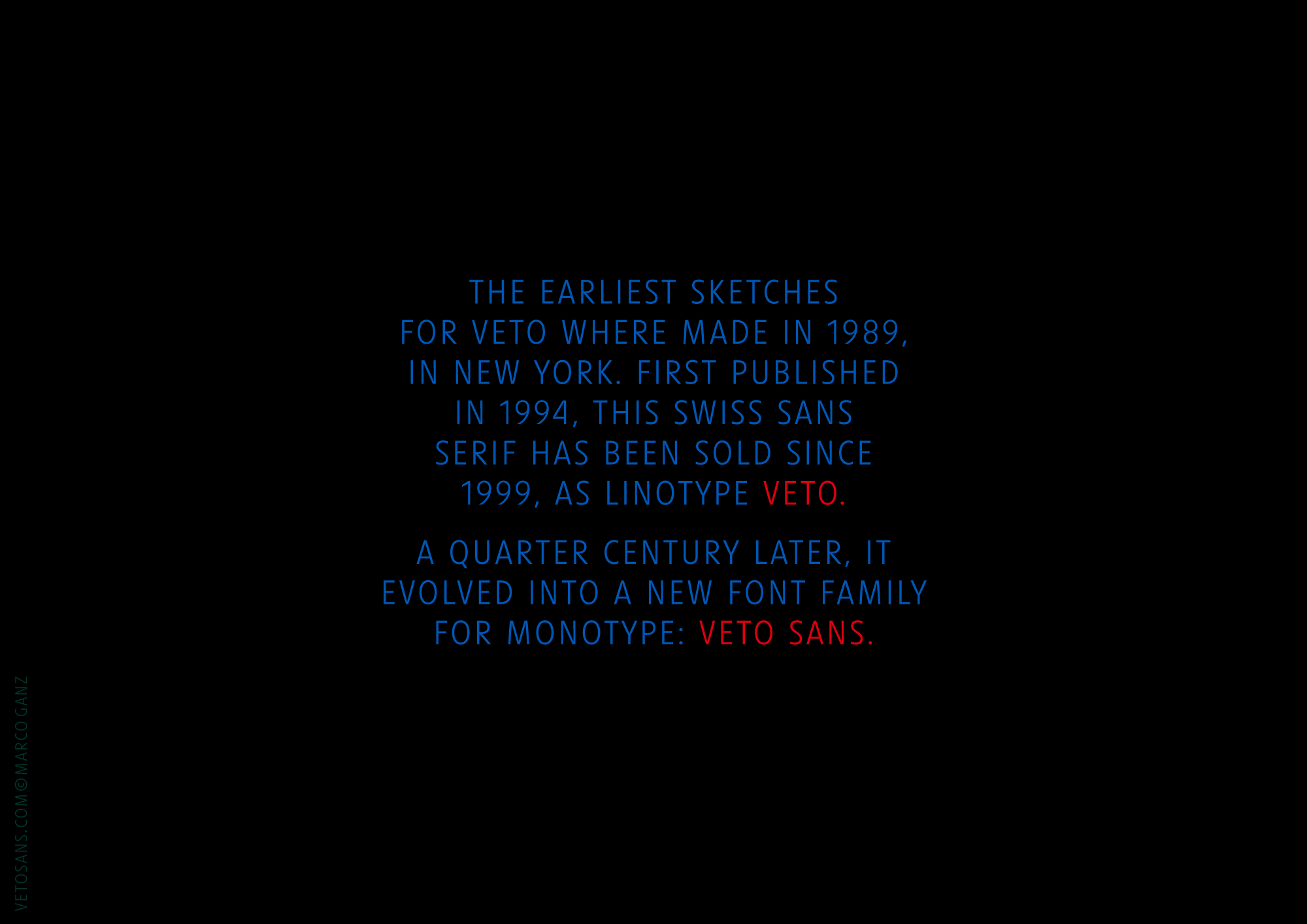 DescriptionTagsFilenameVeto_Sans_04.pngExtensionpngSize65.57 KBGallery TagsSerial Number |
||||
| Veto_Sans_05.png | Details | |||
Detail Image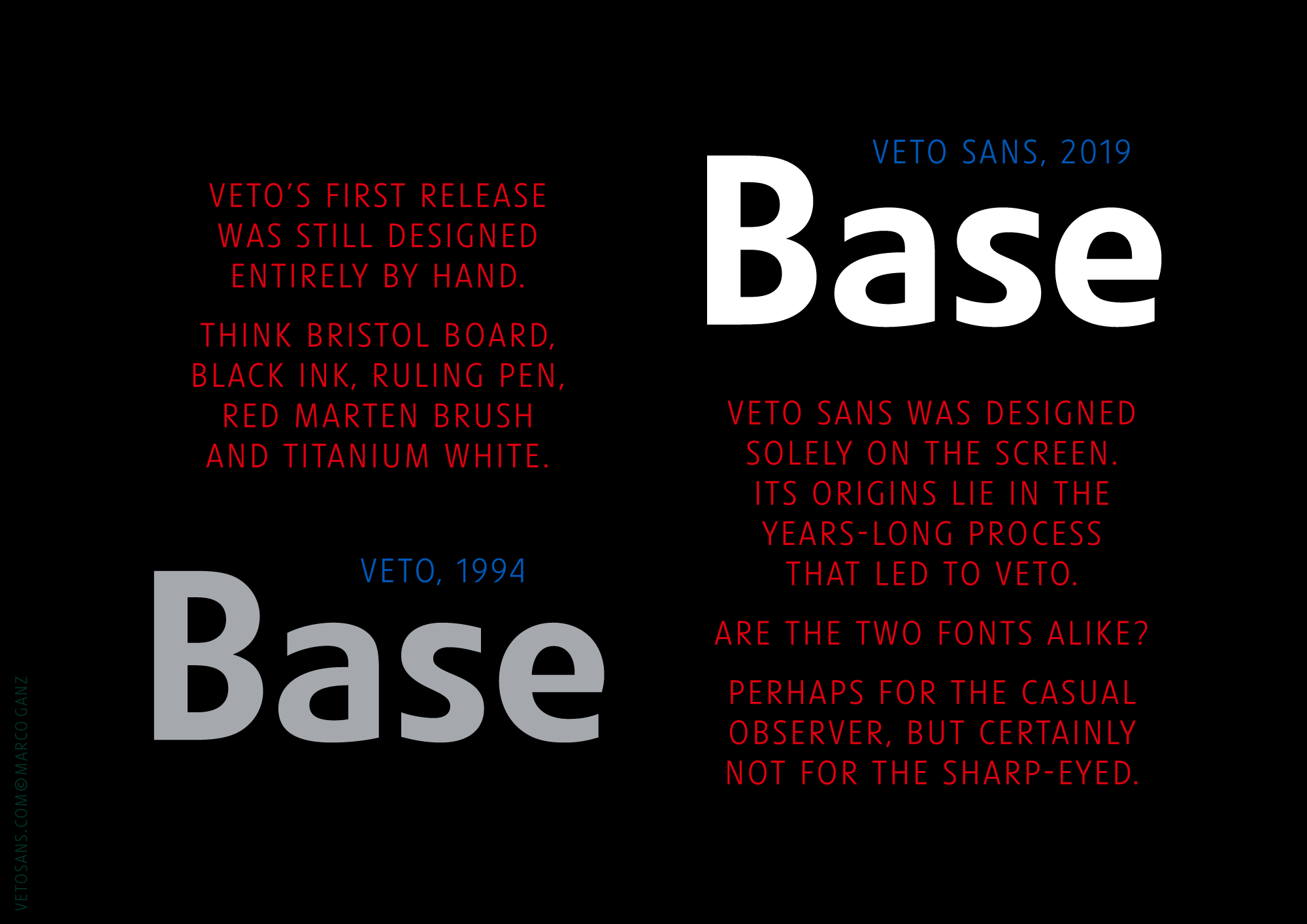 DescriptionTagsFilenameVeto_Sans_05.pngExtensionpngSize117.72 KBGallery TagsSerial Number |
||||
| Veto_Sans_06.png | Details | |||
Detail Image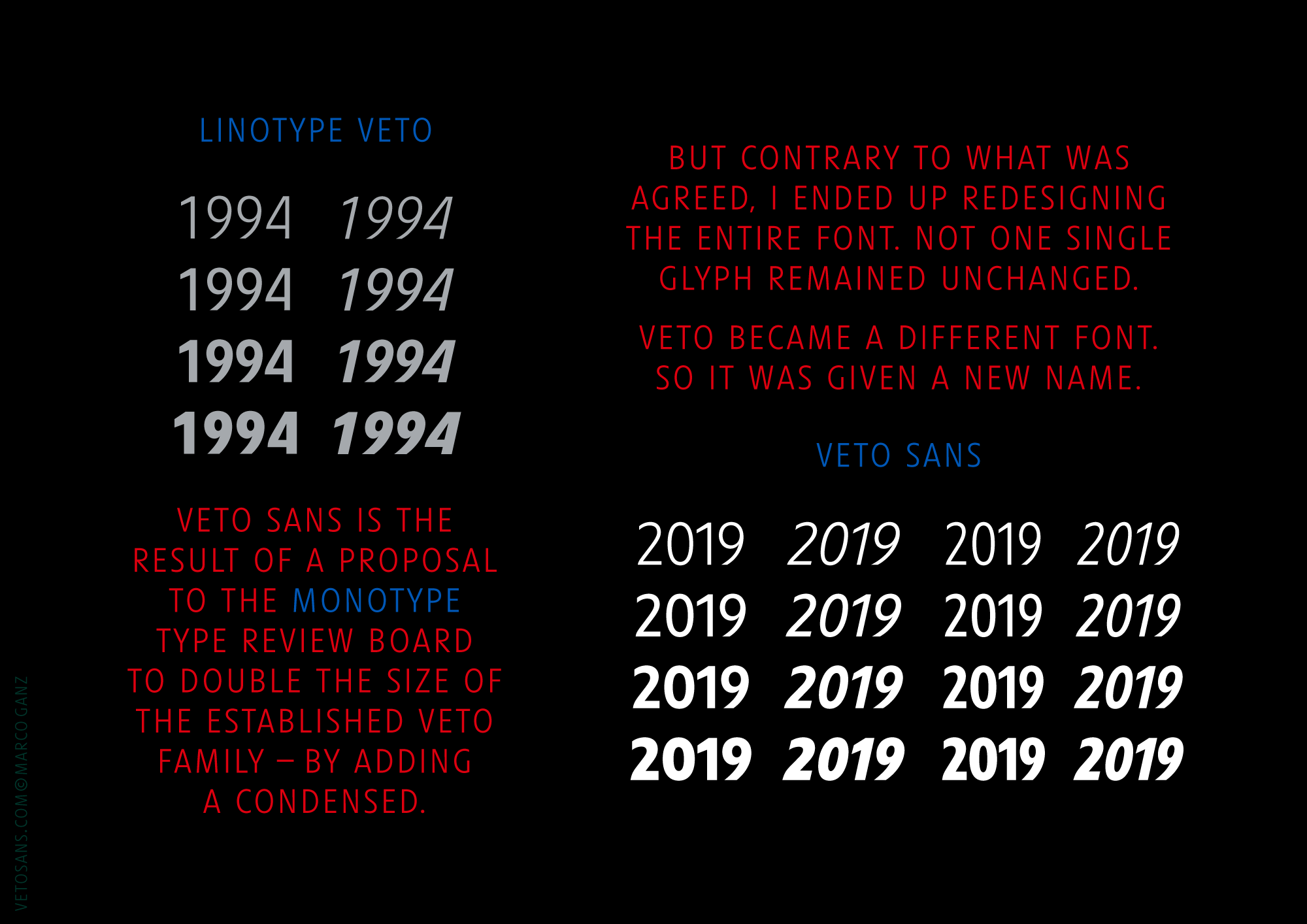 DescriptionTagsFilenameVeto_Sans_06.pngExtensionpngSize152.15 KBGallery TagsSerial Number |
||||
| Veto_Sans_07.png | Details | |||
Detail Image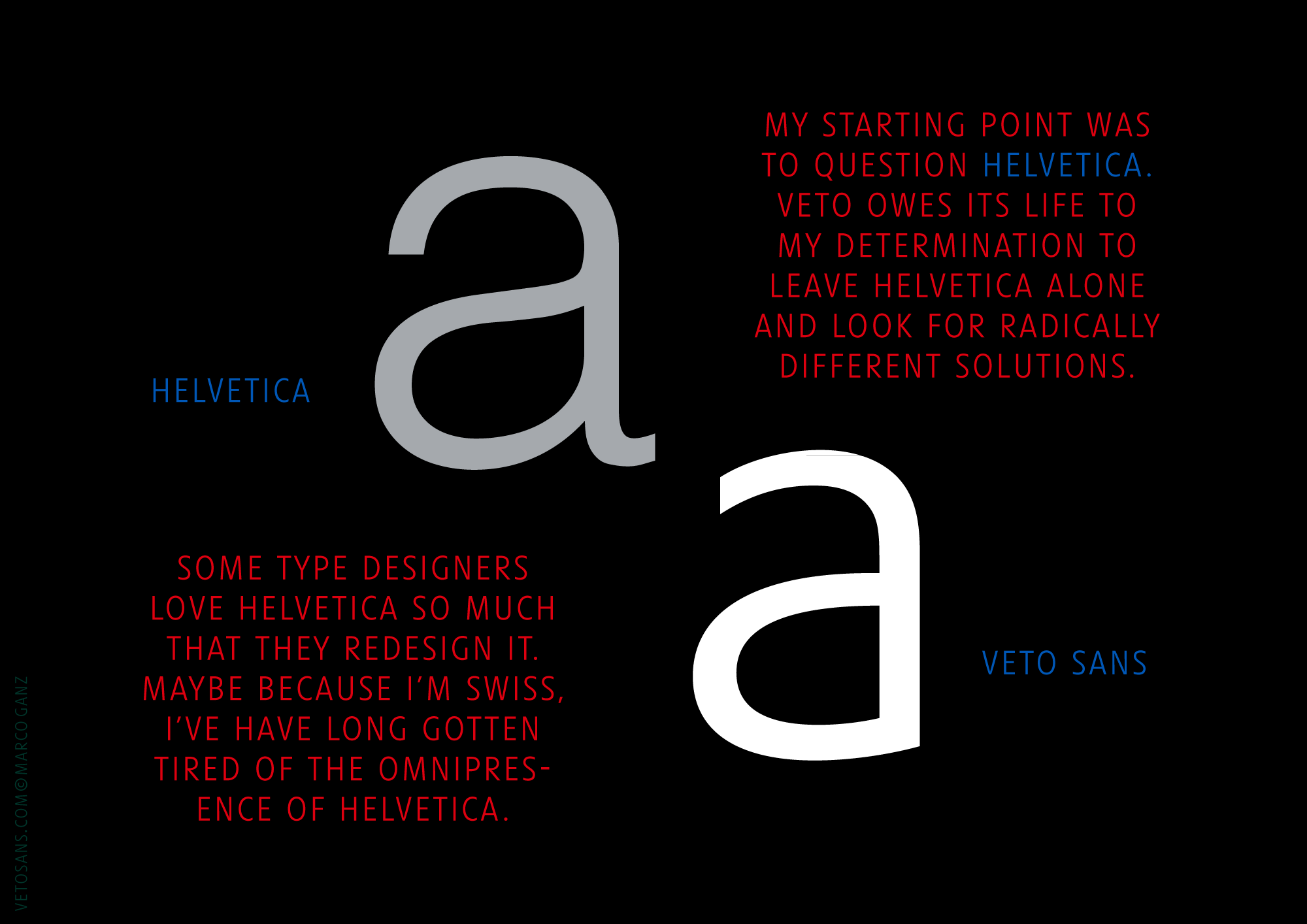 DescriptionTagsFilenameVeto_Sans_07.pngExtensionpngSize106.54 KBGallery TagsSerial Number |
||||
| Veto_Sans_08.png | Details | |||
Detail Image DescriptionTagsFilenameVeto_Sans_08.pngExtensionpngSize106.75 KBGallery TagsSerial Number |
||||
| Veto_Sans_09.png | Details | |||
Detail Image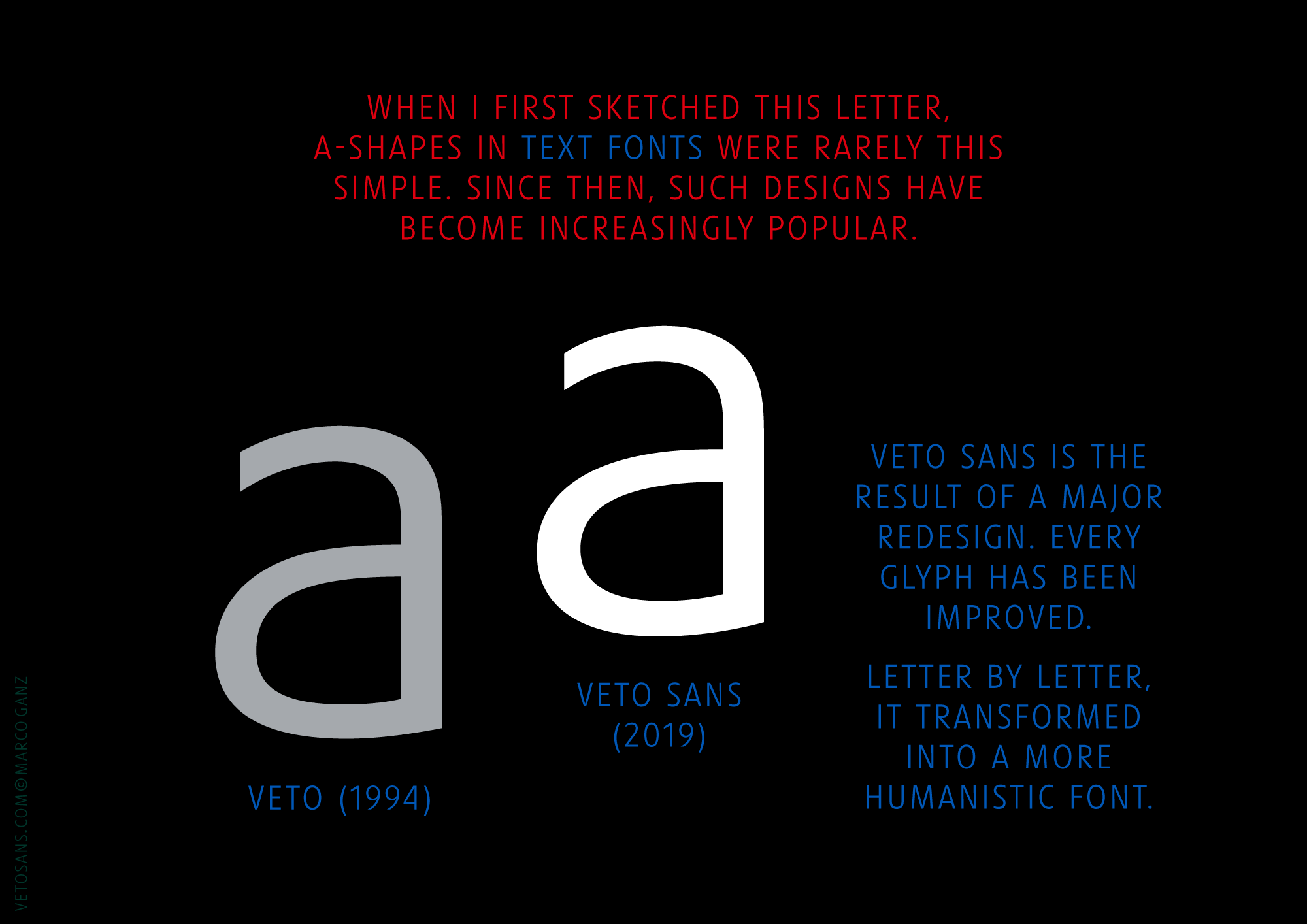 DescriptionTagsFilenameVeto_Sans_09.pngExtensionpngSize98.43 KBGallery TagsSerial Number |
||||
| Veto_Sans_10.png | Details | |||
Detail Image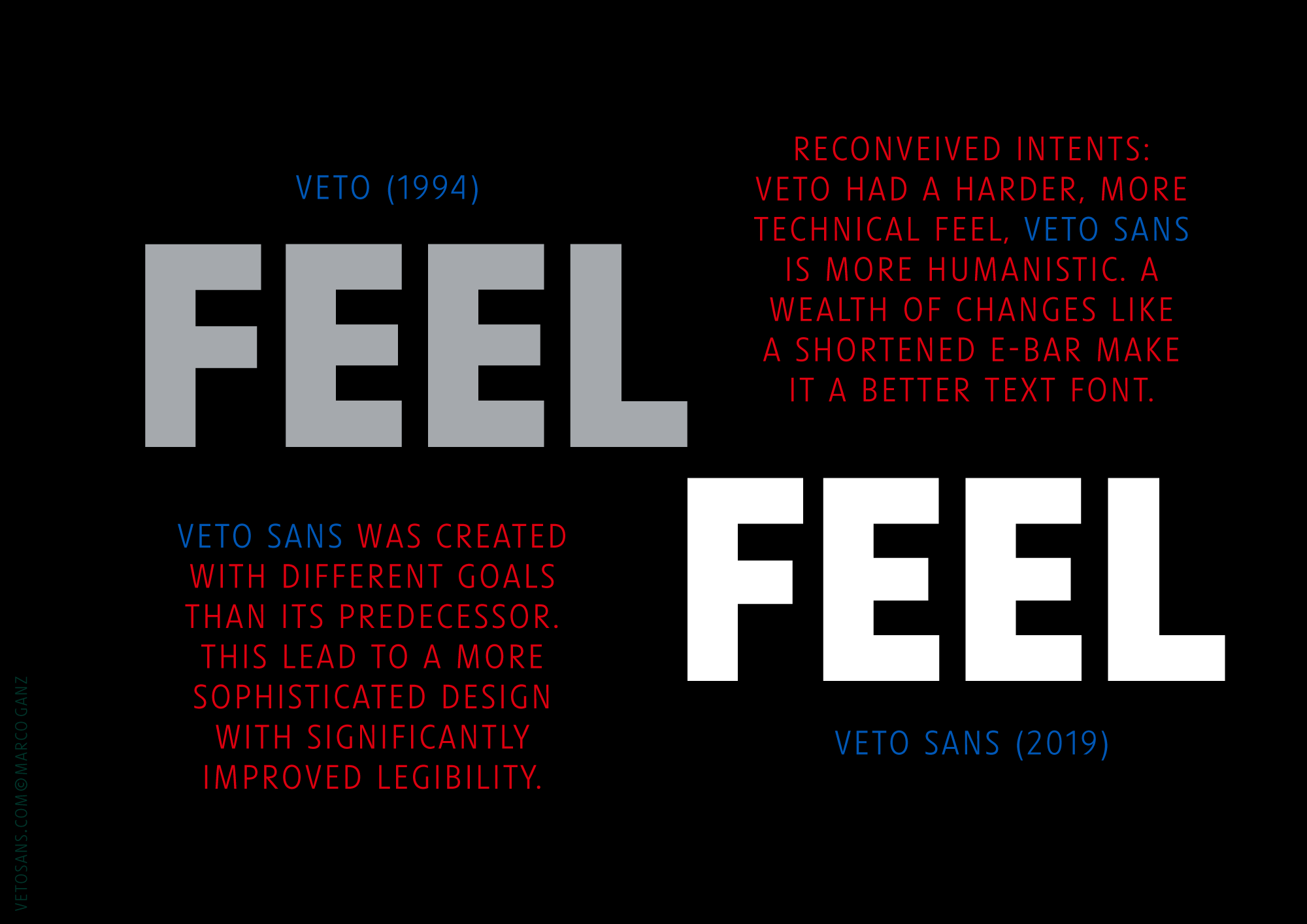 DescriptionTagsFilenameVeto_Sans_10.pngExtensionpngSize94.19 KBGallery TagsSerial Number |
||||
| Veto_Sans_11.png | Details | |||
Detail Image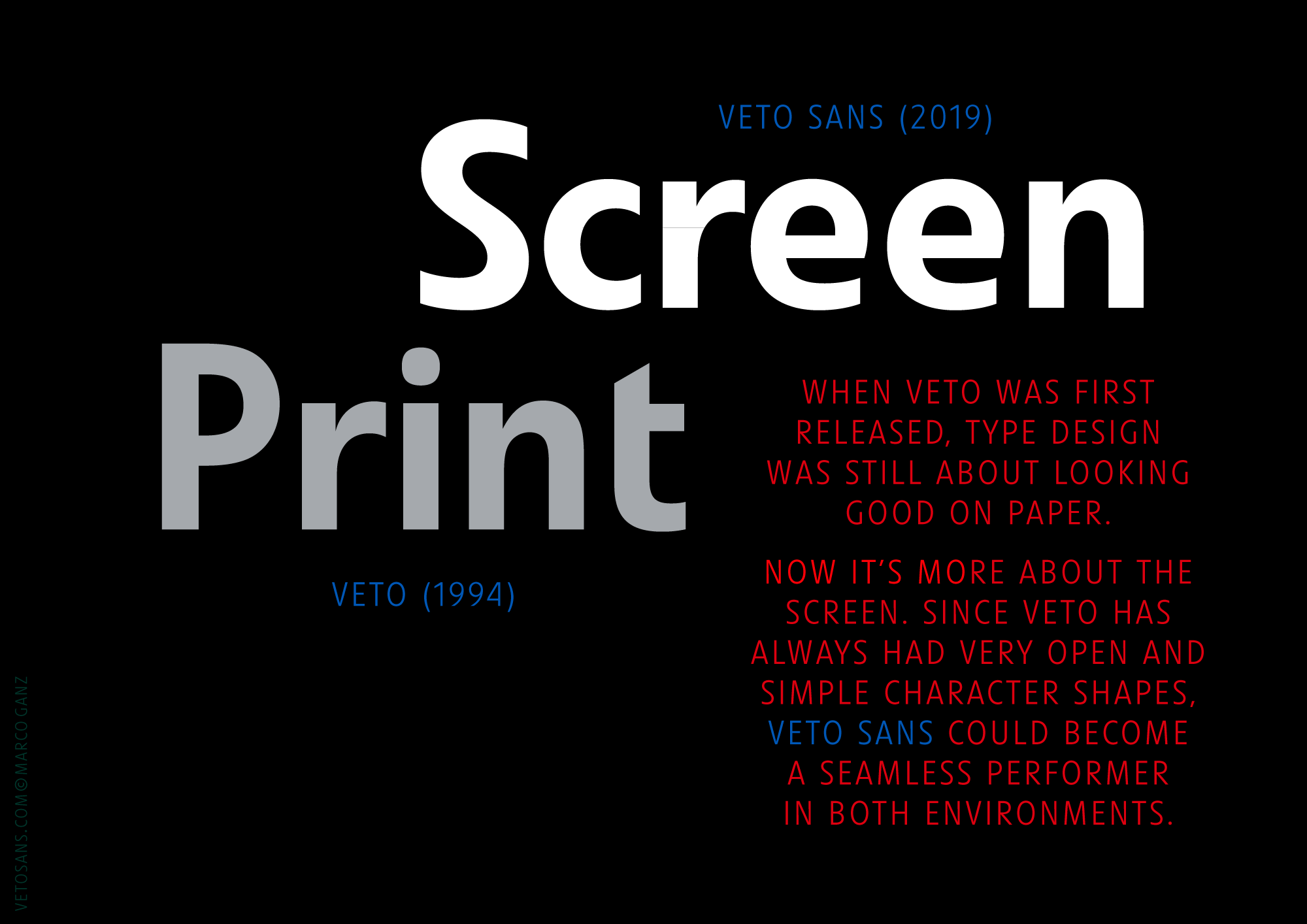 DescriptionTagsFilenameVeto_Sans_11.pngExtensionpngSize105.74 KBGallery TagsSerial Number |
||||
| Veto_Sans_12.png | Details | |||
Detail Image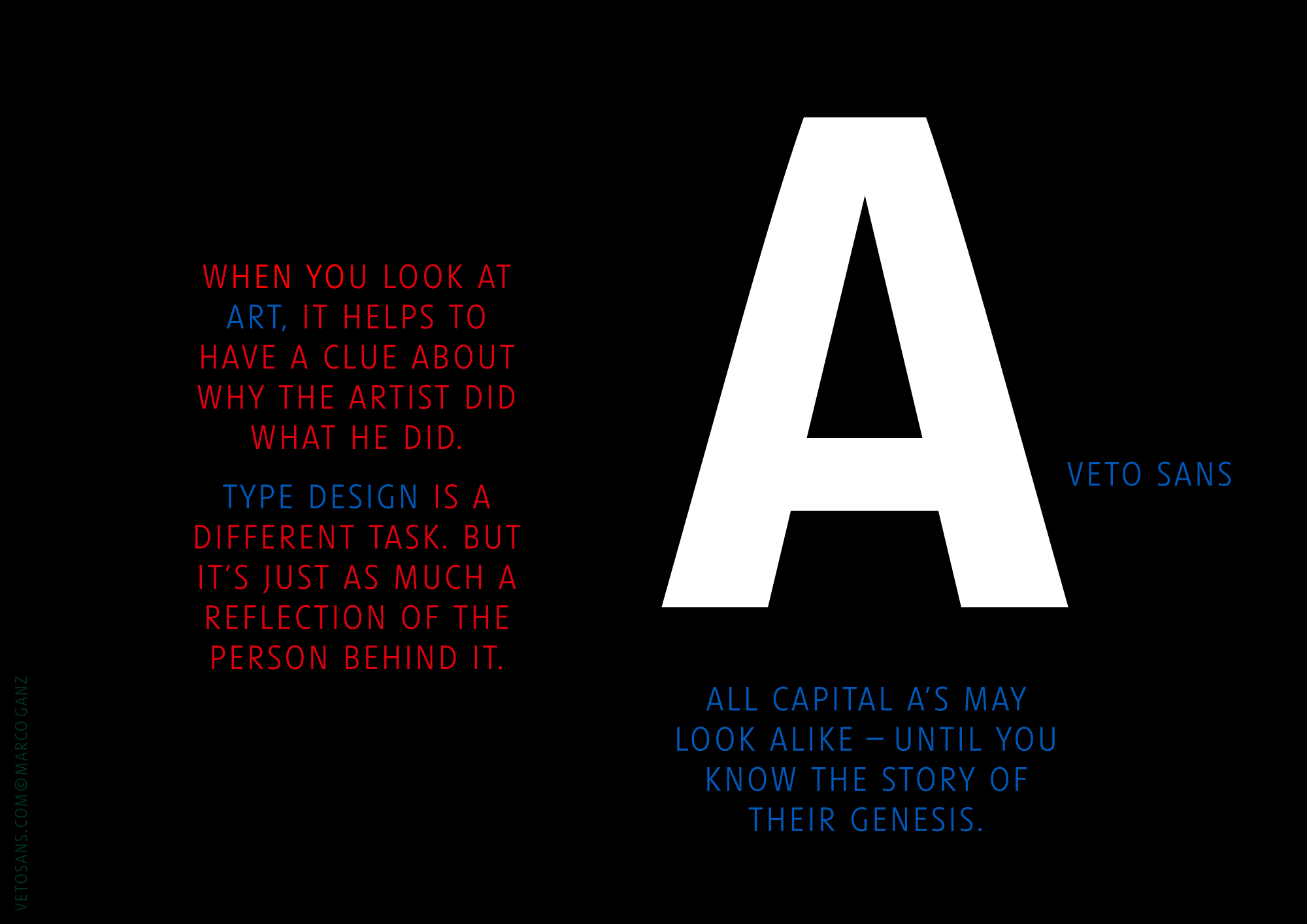 DescriptionTagsFilenameVeto_Sans_12.pngExtensionpngSize82.31 KBGallery TagsSerial Number |
||||
| Veto_Sans_13.png | Details | |||
Detail Image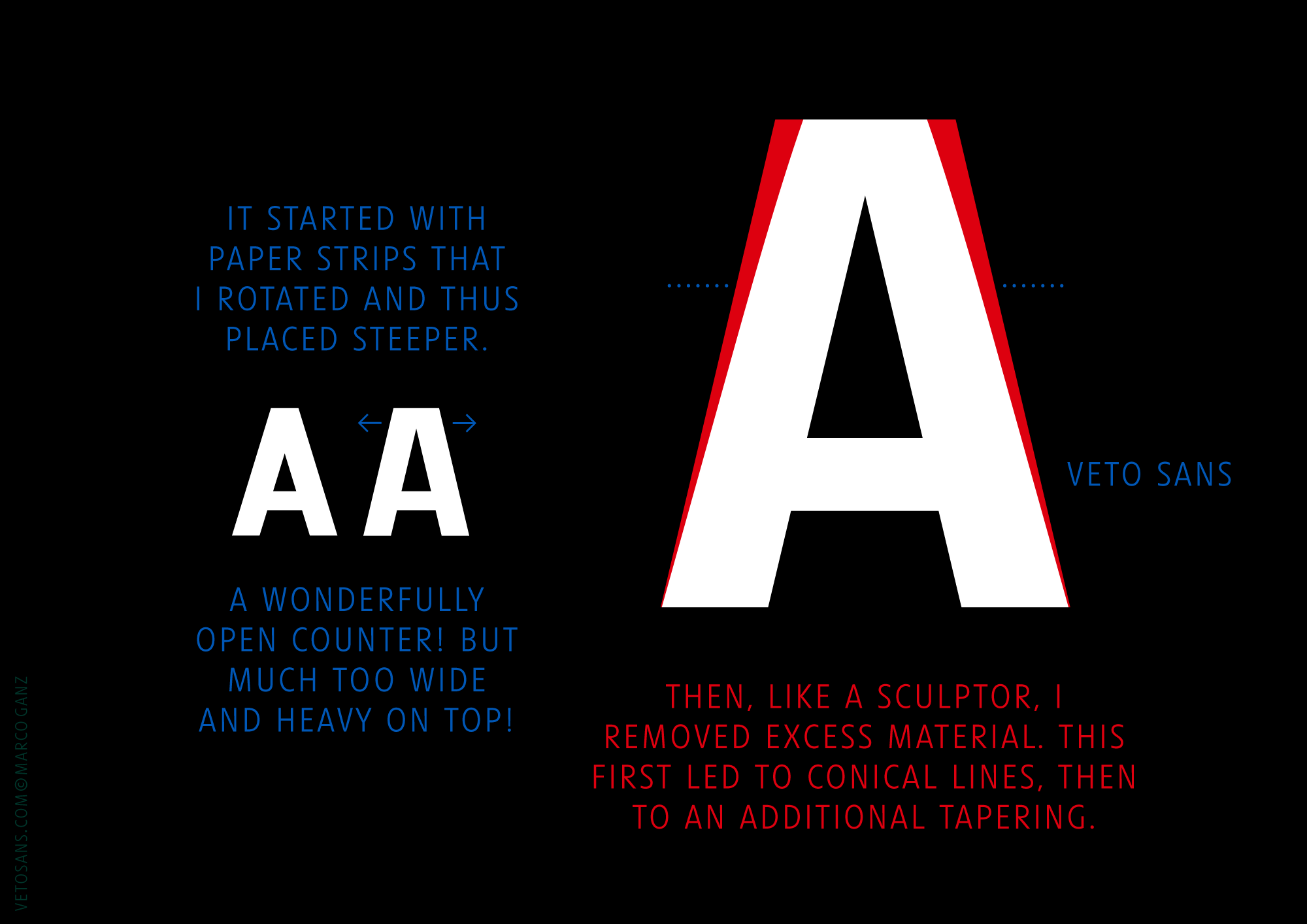 DescriptionTagsFilenameVeto_Sans_13.pngExtensionpngSize95.77 KBGallery TagsSerial Number |
||||
| Veto_Sans_14.png | Details | |||
Detail Image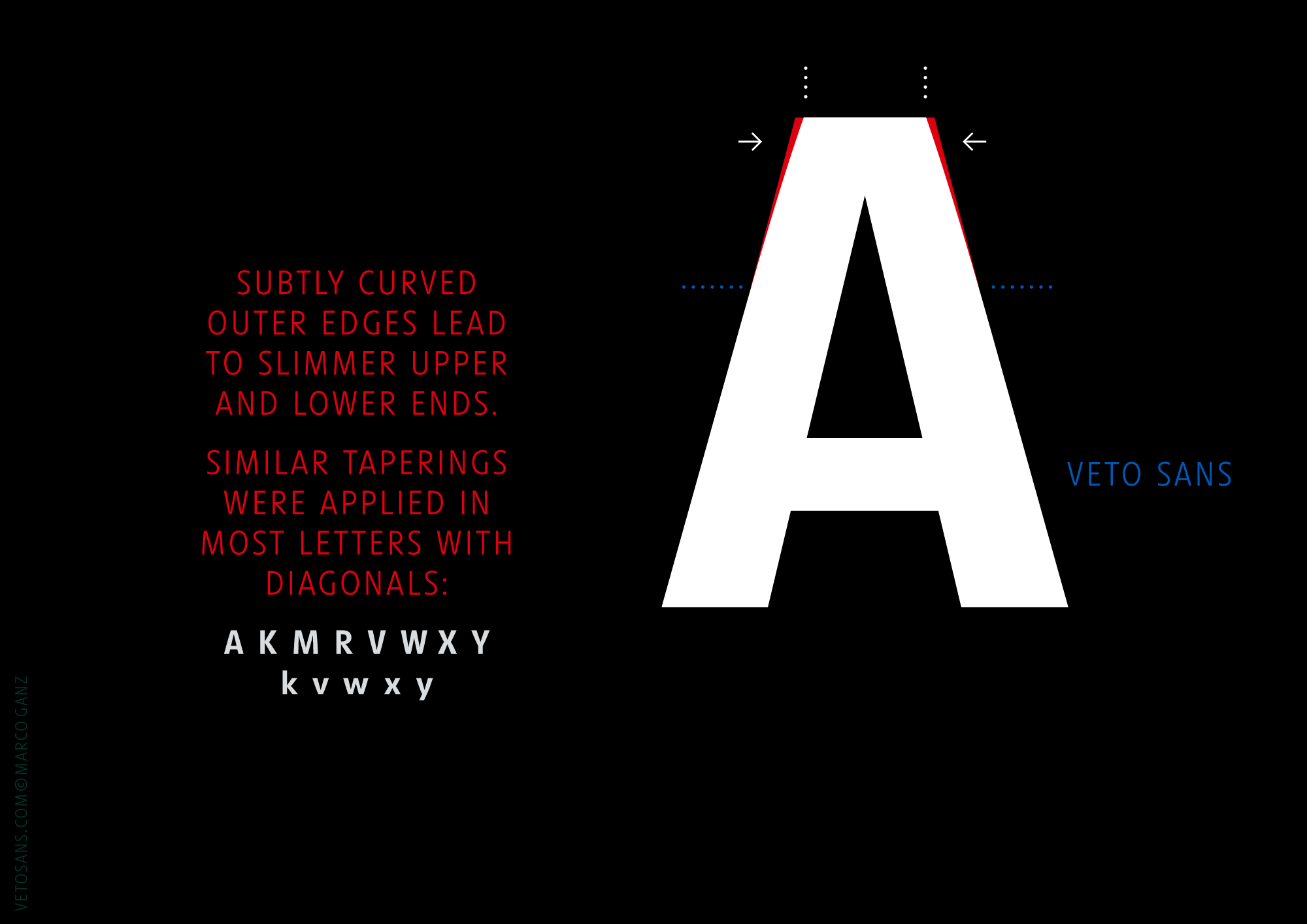 DescriptionTagsFilenameVeto_Sans_14.pngExtensionpngSize71.00 KBGallery TagsSerial Number |
||||
| Veto_Sans_15.png | Details | |||
Detail Image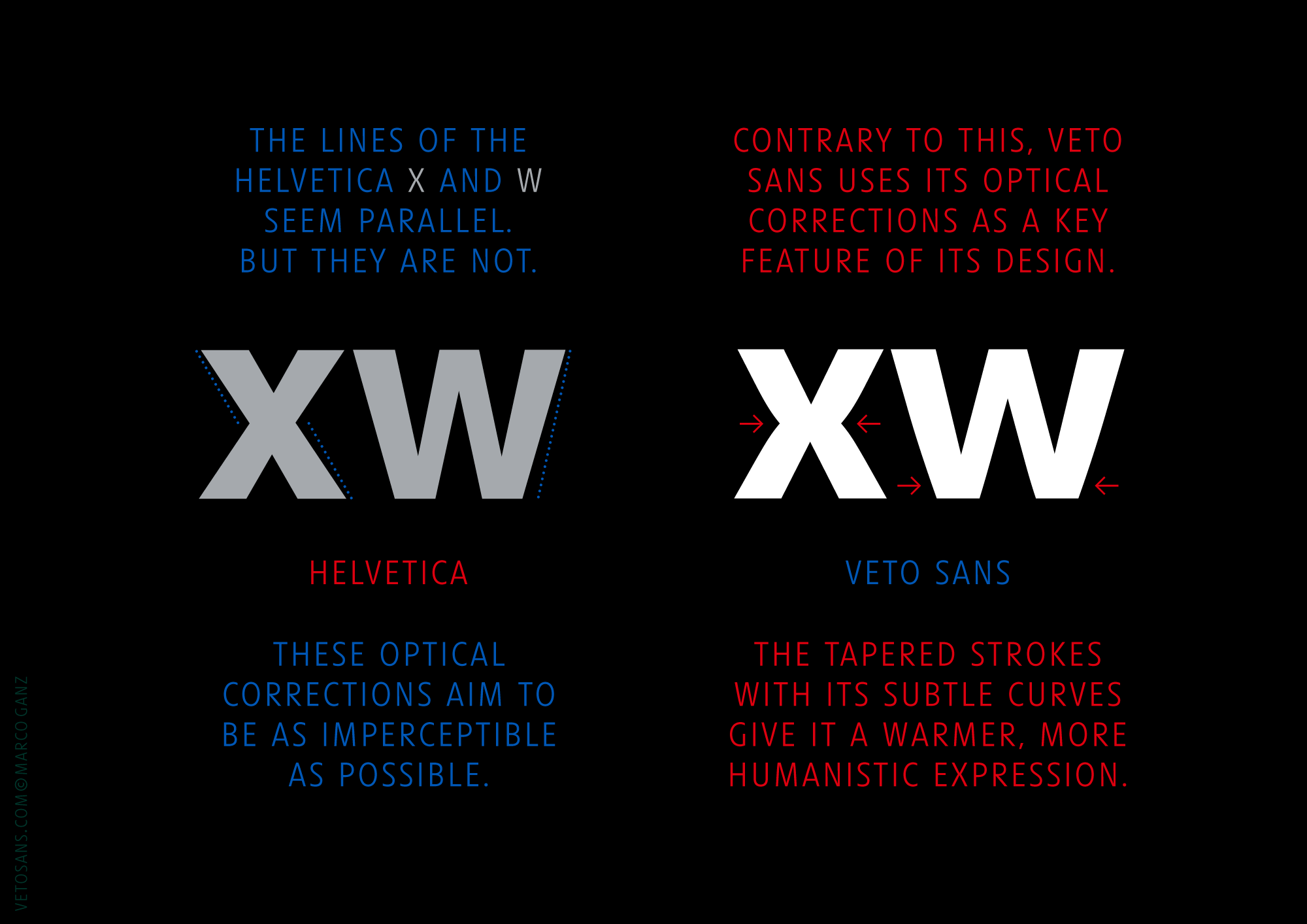 DescriptionTagsFilenameVeto_Sans_15.pngExtensionpngSize111.02 KBGallery TagsSerial Number |
||||
| Veto_Sans_16.png | Details | |||
Detail Image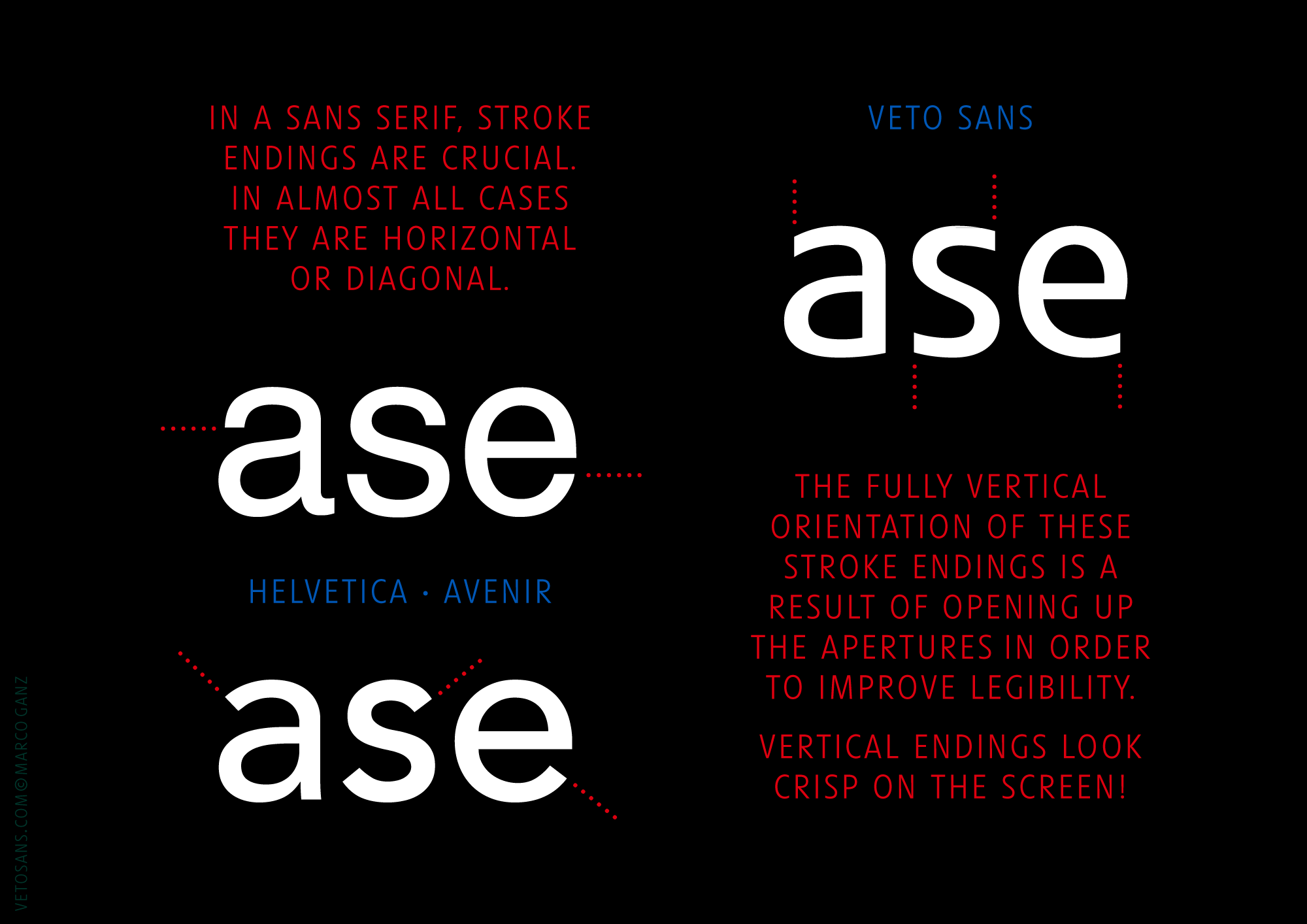 DescriptionTagsFilenameVeto_Sans_16.pngExtensionpngSize110.02 KBGallery TagsSerial Number |
||||
| Veto_Sans_17.png | Details | |||
Detail Image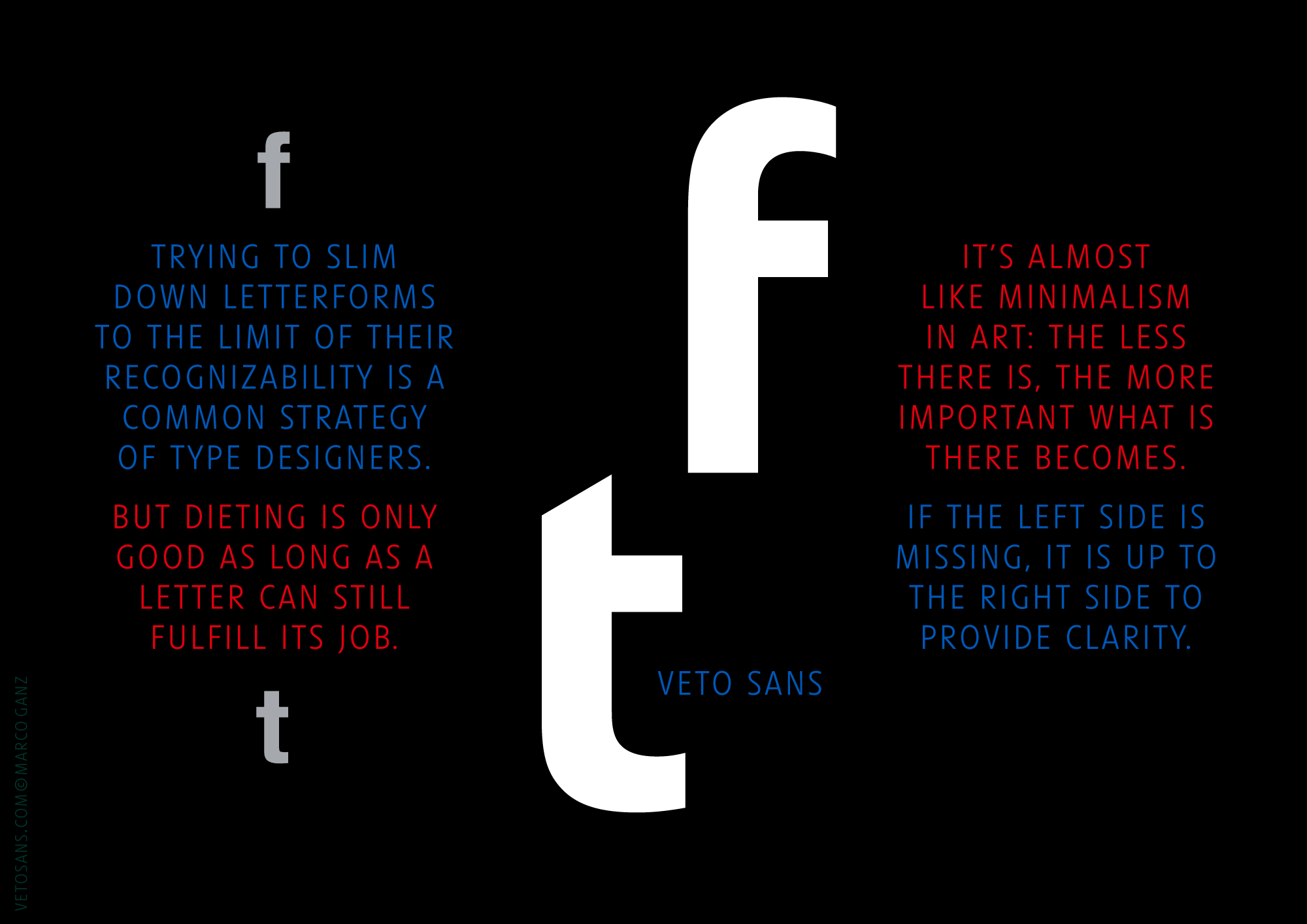 DescriptionTagsFilenameVeto_Sans_17.pngExtensionpngSize96.69 KBGallery TagsSerial Number |
||||
| Veto_Sans_18.png | Details | |||
Detail Image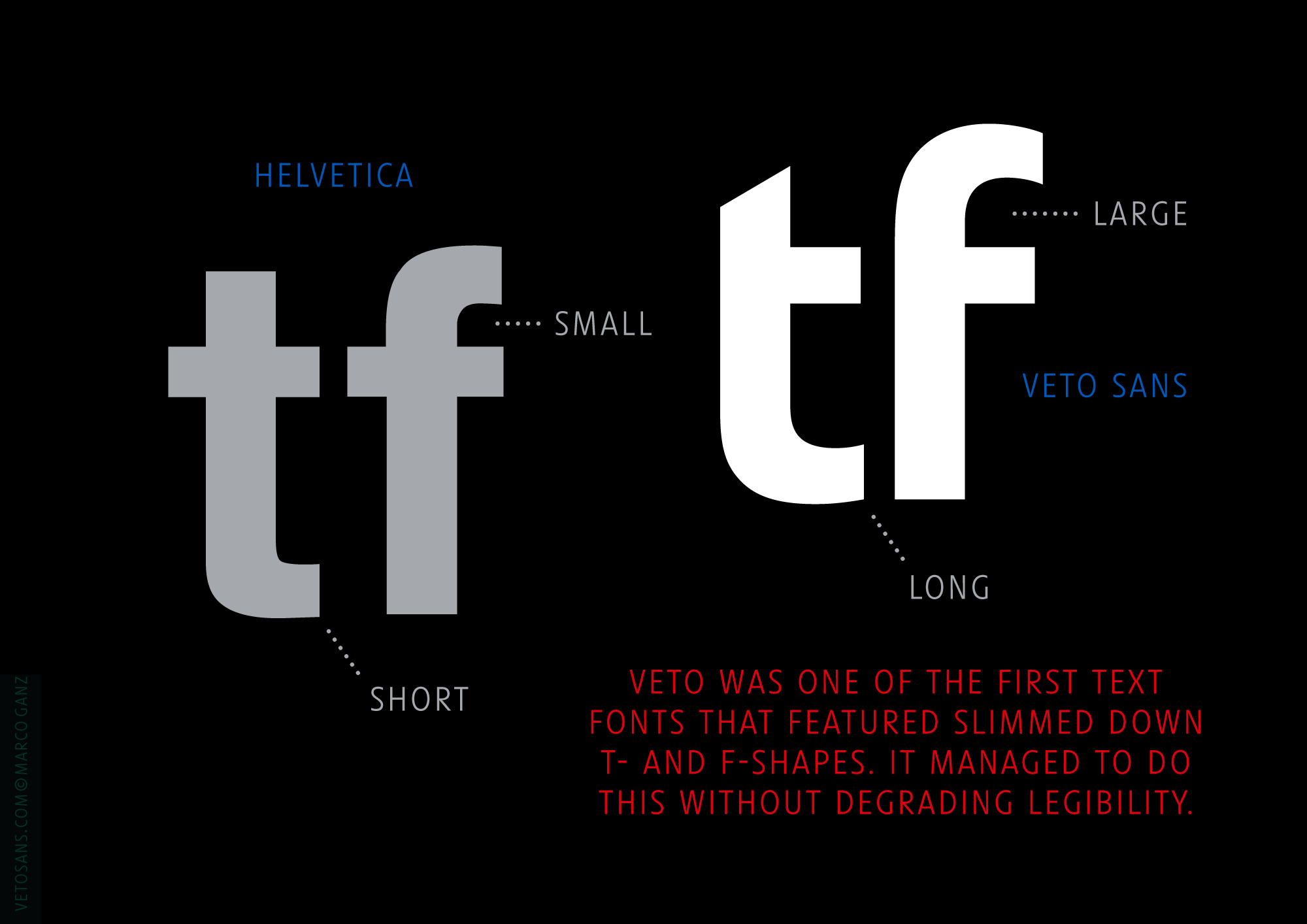 DescriptionTagsFilenameVeto_Sans_18.pngExtensionpngSize65.92 KBGallery TagsSerial Number |
||||
Archive
https://documentation.concretecms.org/tutorials/configure-composer-work-page-type
https://www.concrete5.nl/EN/videos/add-page/composer-output/
Unable to load block into composer.” when adding Page Programatically
$parent = Page::getByID(1);
$th = $app->make('helper/text');

$newPage = $pagetype->createDraft($template, $u = false);
 /* @var $newPage Page */
$newPage->setPageDraftTargetParentPageID( $parent->getCollectionID());
 $params = array(
         'cName' => $name,
          'cDescription' => $name,
           'cHandle' => $th->urlify($name)
 );
$newPage->update($params);
$saver = $pagetype->getPageTypeSaverObject();
$saver->saveForm($newPage);
$publishDateTime = false;
$pagetype->publish($newPage, $publishDateTime);

Thereafter, you would do something like this to update the block content:

$newarea = new Area('Main');
$newblocks = $newarea->getAreaBlocksArray($newPage);
foreach  ($newblocks as $newBlock){
       if ($newBlock->getBlockTypeHandle() === 'my_block_handle') {
              $clr = $newBlock->getController();
//Substitute whatever parameters the block needs:
              $clr->save(['title'=>$name, 'overview'=>$name, 'content'=>$content);
       }
}
Similar to the overwrite-mechanism for template, where you add a
templates directory to your block, you can add templates for the composer field.
This feature seems undocumented, but you can create following structure in your overwrite-block: overwrittenBlock\composer\myComposerTemplate.php
With that, a new option in the Composer Form Control appears in the select-list for design. So, a block for a view-template and a corresponding composer-template could look like:
file
   + templates
   └ pdfFile.php
   + composer
   └ pdfComposer.php